Photograph for a coherent collection
Each item supports one image. Use consistent framing and clear lighting; customers can open product imagery in the catalog viewer for a closer look.

For shops & collections
An image-led product catalog with categories, search, price options and optional WhatsApp requests.
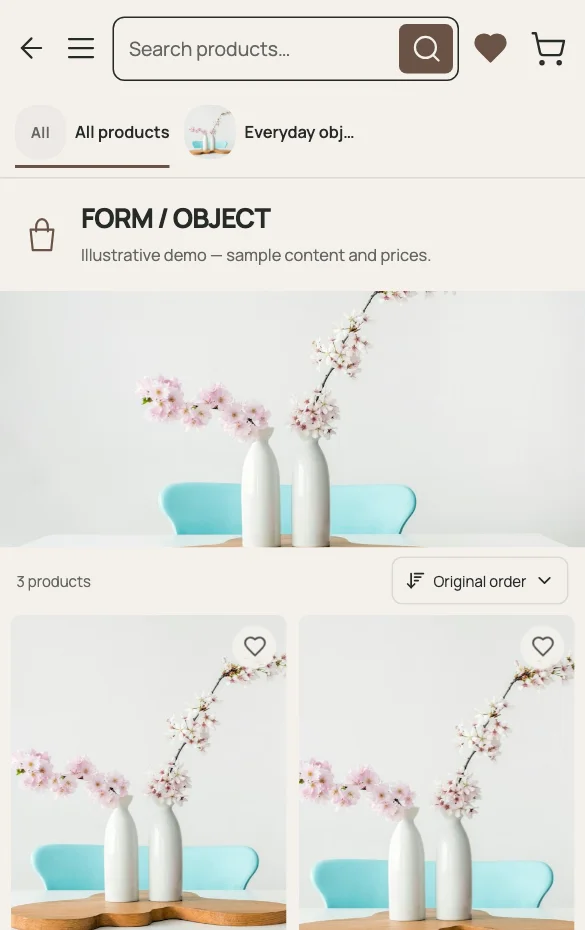
A retail catalog should help a shopper compare products before starting a conversation. Good photography, useful categories and accurate price options matter more than a long brand introduction. The Catalog template adds product-focused search, sorting and an image viewer.
Each item supports one image. Use consistent framing and clear lighting; customers can open product imagery in the catalog viewer for a closer look.
Use meaningful categories, accurate descriptions and clear price options. The Catalog template includes search and sorting so a growing collection stays approachable.
When enabled, shoppers select products and quantities and open a prepared WhatsApp message. You agree availability, payment and fulfillment in that conversation.
A PRACTICAL EXAMPLE
For an illustrative ceramics collection, distinguish a bud vase from a larger decorative vase. State the material and dimensions in the description and use a consistent photograph of the actual item. Each item has one image, so select a view that explains its form. If WhatsApp requests are enabled, shoppers can collect products and quantities in a message; your team confirms the transaction outside the catalog.
Product: Stoneware vase
Details: material, dimensions and intended use
Request: selected product and quantity in WhatsApp
QUESTIONS ABOUT THIS USE CASE
The existing item model stores one image per item. The catalog viewer can browse the available product images; it does not imply multiple uploads for an individual item.
No. It prepares a WhatsApp message with the selected products and quantities. Payment, delivery and stock confirmation are arranged directly with the business.
Hide it from the public catalog or update your offering from the dashboard. Review any shared references to that product so customers know what to ask for instead.
READY TO PUBLISH?
Restaurant, café, shop or salon. Start with what you do.