Build a collection with structure
Arrange your offering into categories and add names, descriptions and imagery. Choose a presentation that suits what you sell rather than forcing everything into a restaurant menu.

Your collection, connected
Publish a visual catalog for products or services and share a single link that stays current.
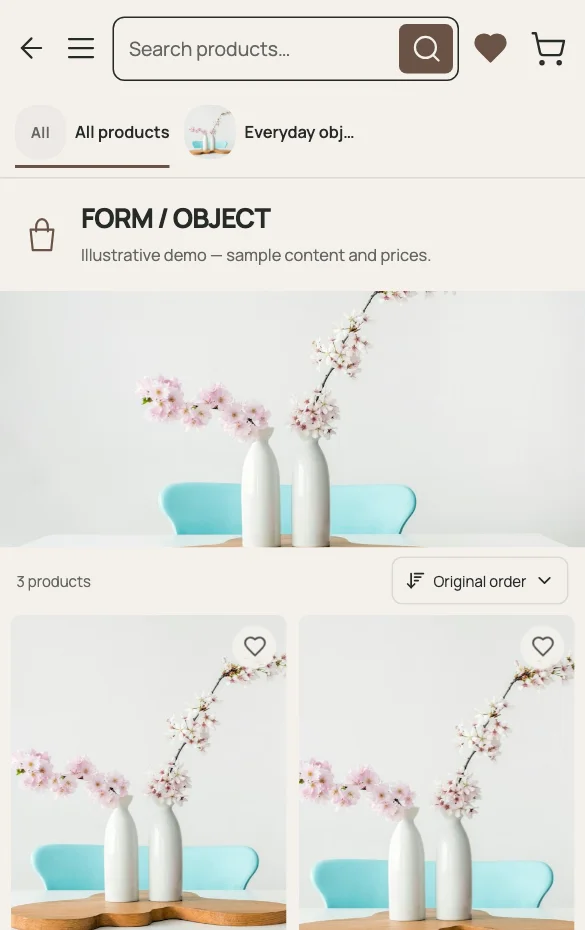
A digital catalog is a public collection you maintain over time. It can describe products or services and adapt its terminology and presentation to the business. Use it when customers need a clear overview before asking a question, rather than sending a succession of disconnected files.
Arrange your offering into categories and add names, descriptions and imagery. Choose a presentation that suits what you sell rather than forcing everything into a restaurant menu.
A public catalog link can be used in messages, a social profile or printed materials. Update the published content when your collection changes.
Retail catalogs can support WhatsApp selections when configured. Service businesses can invite inquiries. Neither flow should be presented as an online payment or appointment system.
A PRACTICAL EXAMPLE
Imagine a small business sharing separate price sheets for three collections. Bring those offerings into categories with recognizable names and useful descriptions. Keep the public link in the business profile and send it when a customer asks what is available. Changes belong in the catalog itself. This reduces conflicting versions, but your team still owns the accuracy of the content and the conversation that follows.
Organize: categories for each collection
Describe: names, images and relevant details
Share: one maintained public URL
QUESTIONS ABOUT THIS USE CASE
Digital catalog describes the broader publishing format. A product catalog focuses specifically on retail items, visual browsing and product selections. Choose content and a template for the actual business.
Yes. Use service categories, descriptions and prices. Where configured, clients can inquire through WhatsApp; the catalog does not reserve appointments.
The published catalog is intended for public sharing. Do not publish internal-only prices, personal customer information or content you do not want visitors to access.
READY TO PUBLISH?
Restaurant, café, shop or salon. Start with what you do.