Start with a clear menu
Group your dishes into useful categories. Add descriptions that explain ingredients and portions, then set a single price or labeled price options.

The menu, reimagined
Bring dishes, descriptions and prices together in a mobile menu you can update and share.
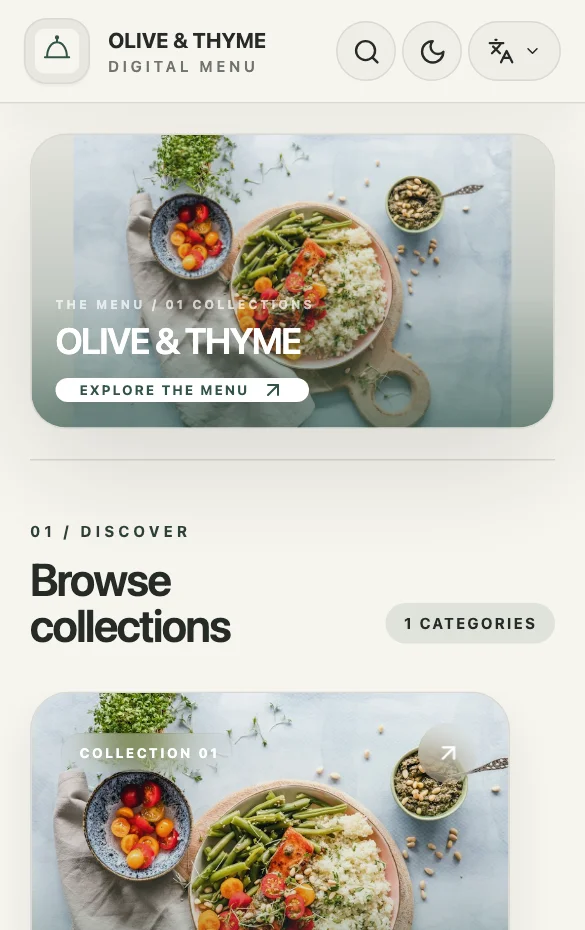
A digital menu is a maintained public page, rather than a photograph of a printed sheet. Guests can read categories, item descriptions and prices on their phone. Start with the information a guest needs to choose, then use your template and brand settings to make that information easy to browse.
Group your dishes into useful categories. Add descriptions that explain ingredients and portions, then set a single price or labeled price options.
Edit prices and availability as your offering changes. Customers visiting the same published link see the current menu; there is no new document to send.
Add Arabic and English item content and review both presentations. Translations are content you manage, so your dish names and descriptions stay under your control.
A PRACTICAL EXAMPLE
For an illustrative lunch menu, separate starters, mains and drinks. “Grilled vegetable sandwich” is more useful than “Our special.” Explain the filling and serving in one short description, add a real photograph, and use labeled prices only for sizes or portions you genuinely sell. Review the Arabic name separately; a literal translation can make a familiar dish harder to recognize.
Category: Sandwiches
Item: Grilled vegetable sandwich
Description: Roasted vegetables, cheese and herb dressing
QUESTIONS ABOUT THIS USE CASE
No. A QR code opens the same public link you can share in a message or social profile. Choose the entry point that fits where customers find you.
Hide the unavailable item in your dashboard instead of leaving an outdated offering on the public menu. Restore its availability when you offer it again.
It presents your menu. Configured WhatsApp requests are messages; customer payment processing and delivery management are not part of that flow.
READY TO PUBLISH?
Restaurant, café, shop or salon. Start with what you do.